How to register in Mobihub?
Registration takes several steps and requires verification via Telegram and email.
Step-by-step registration guide
1
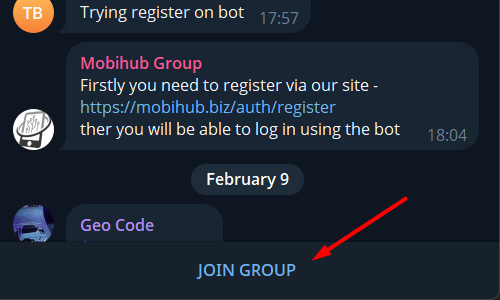
2
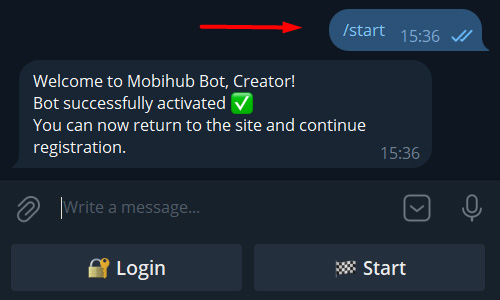
Launch Telegram bot
- Launch Telegram bot and send
/startcommand if it didn't send automatically. - Wait for bot response. If you launched bot before joining the group, send
/startagain. - If you want to receive notifications and manage proxies via Telegram bot, click
Loginand follow instructions.
3
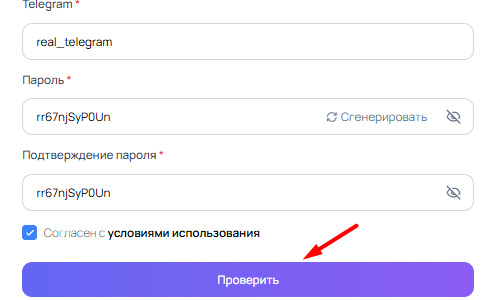
Go to registration page
- Enter First name, Last name, email, telegram, strong password twice and click «Check» → «Register».
- Note that telegram must be the same you used to launch bot and join group from steps above.
- Use real email — account won't be activated without confirmation. Check Spam folder if email doesn't arrive.
4
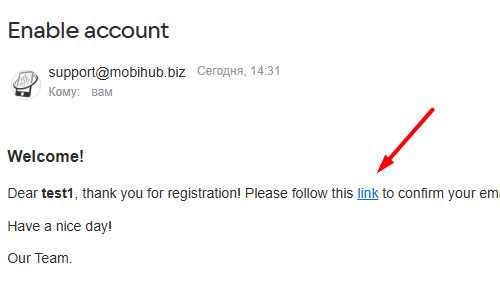
Confirm email
Follow the link in email to activate your account.
Done! Now you can login on official MobiHub website with your login and password.